
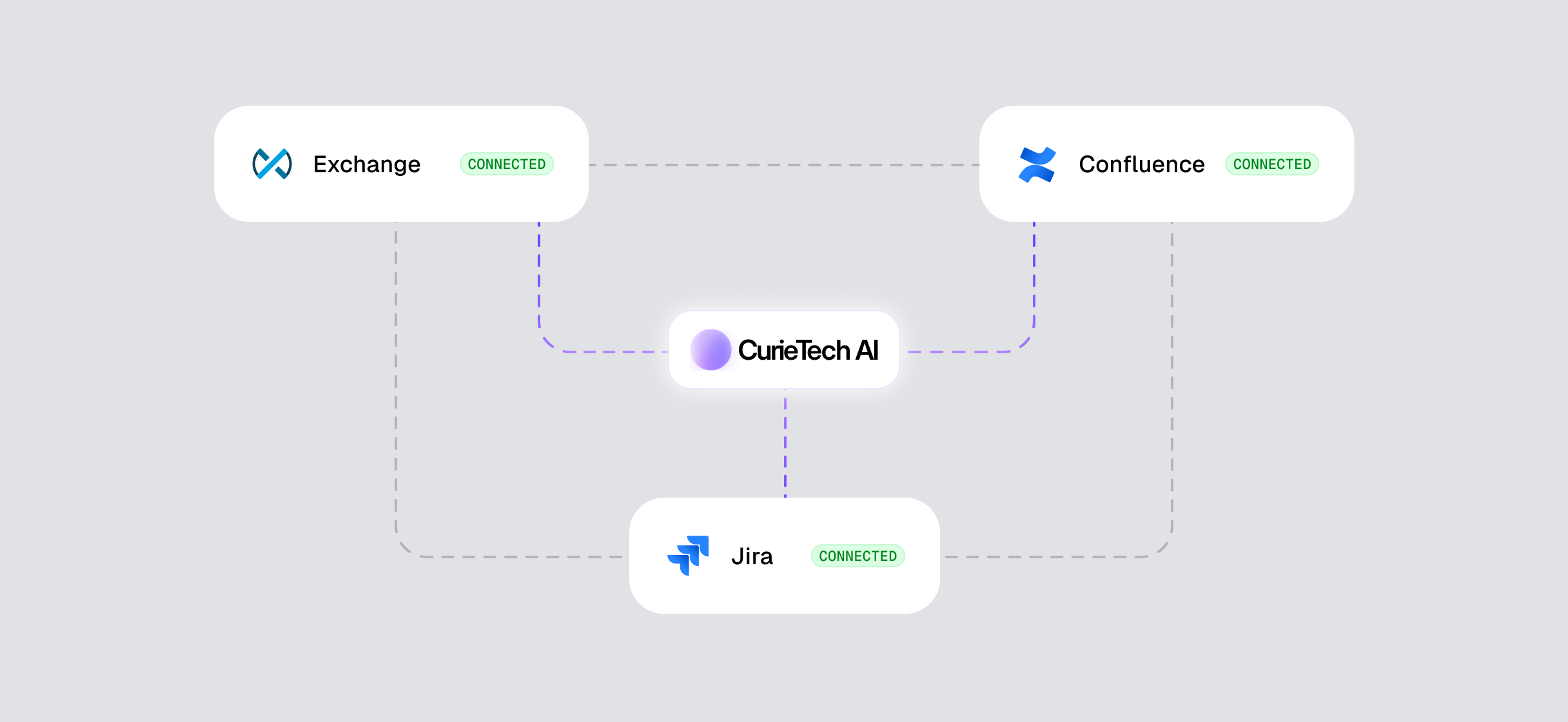
MuleSoft development is never just about writing flows. Real-world integration work involves constant context switching. Reviewing requirements, tracking Jira tickets, checking API definitions, updating documentation, responding to changes, and coordinating with teams all take time. Developers often spend as much effort navigating tools as they do building integrations.
CurieTech AI has always focused on removing that friction.
With existing integrations like Anypoint Exchange, Curie already helped developers publish APIs, fetch assets, and manage APIs through API Manager, including applying and validating policies. Now CurieTech AI takes the next major step in simplifying the MuleSoft workflow by introducing native integrations with Jira and Confluence.
This is not just another integration. It fundamentally changes how MuleSoft developers work day to day.
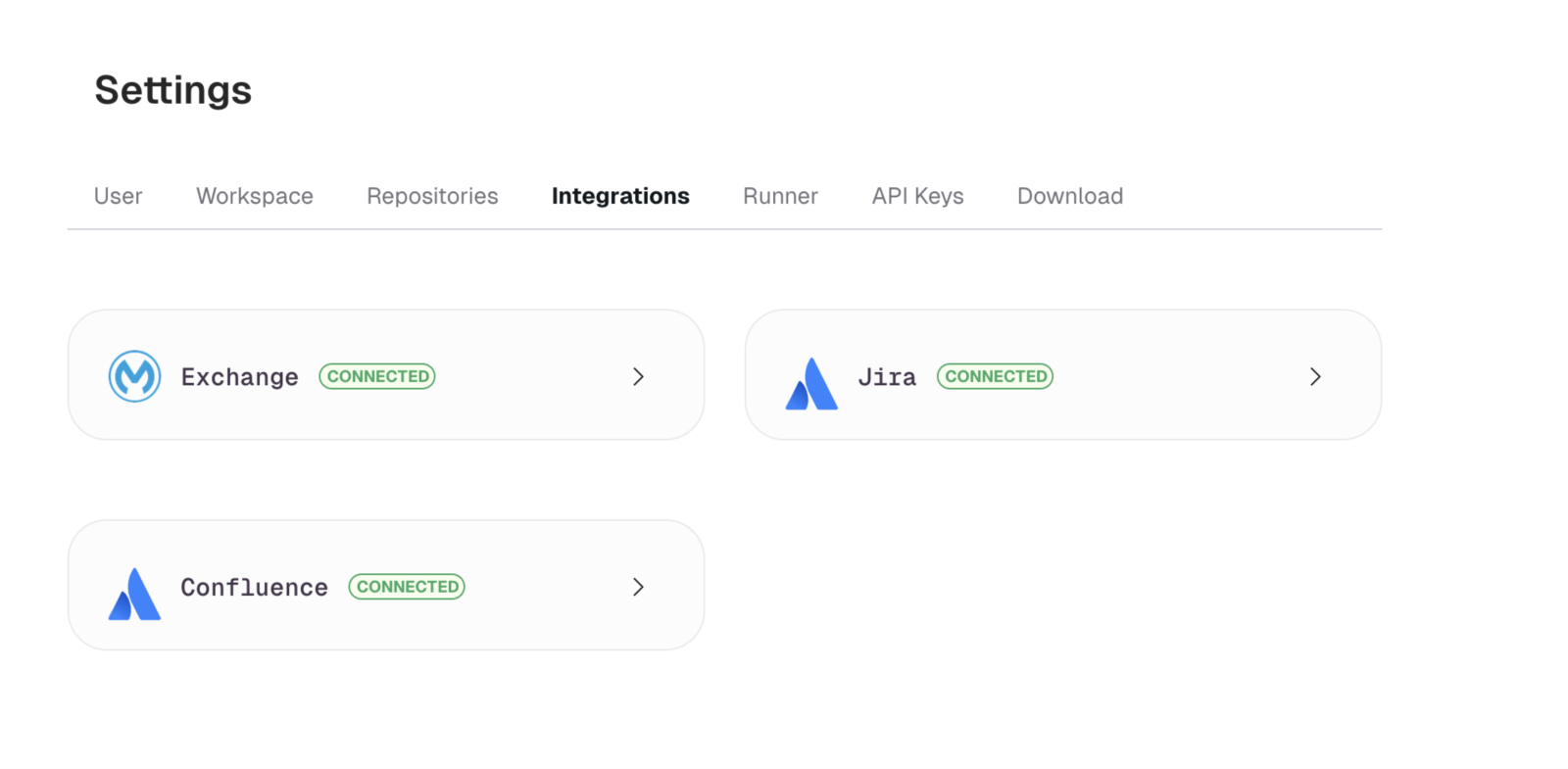
Building on What Already Worked with Exchange
Before diving into what’s new, it’s worth highlighting the value CurieTech AI already delivered through its Anypoint Exchange integration.
Developers could publish APIs directly to Exchange, fetch existing assets, and work seamlessly with assets governed through API Manager. This removed the need to jump between Anypoint Studio, browser tabs, and multiple consoles just to manage APIs.
The Exchange integration clearly showed that when AI deeply understands the MuleSoft ecosystem, it becomes far more than a code generator. It becomes a workflow accelerator.
The Jira and Confluence integrations build directly on this foundation.
Bringing Jira into the CurieTech AI Chat Experience
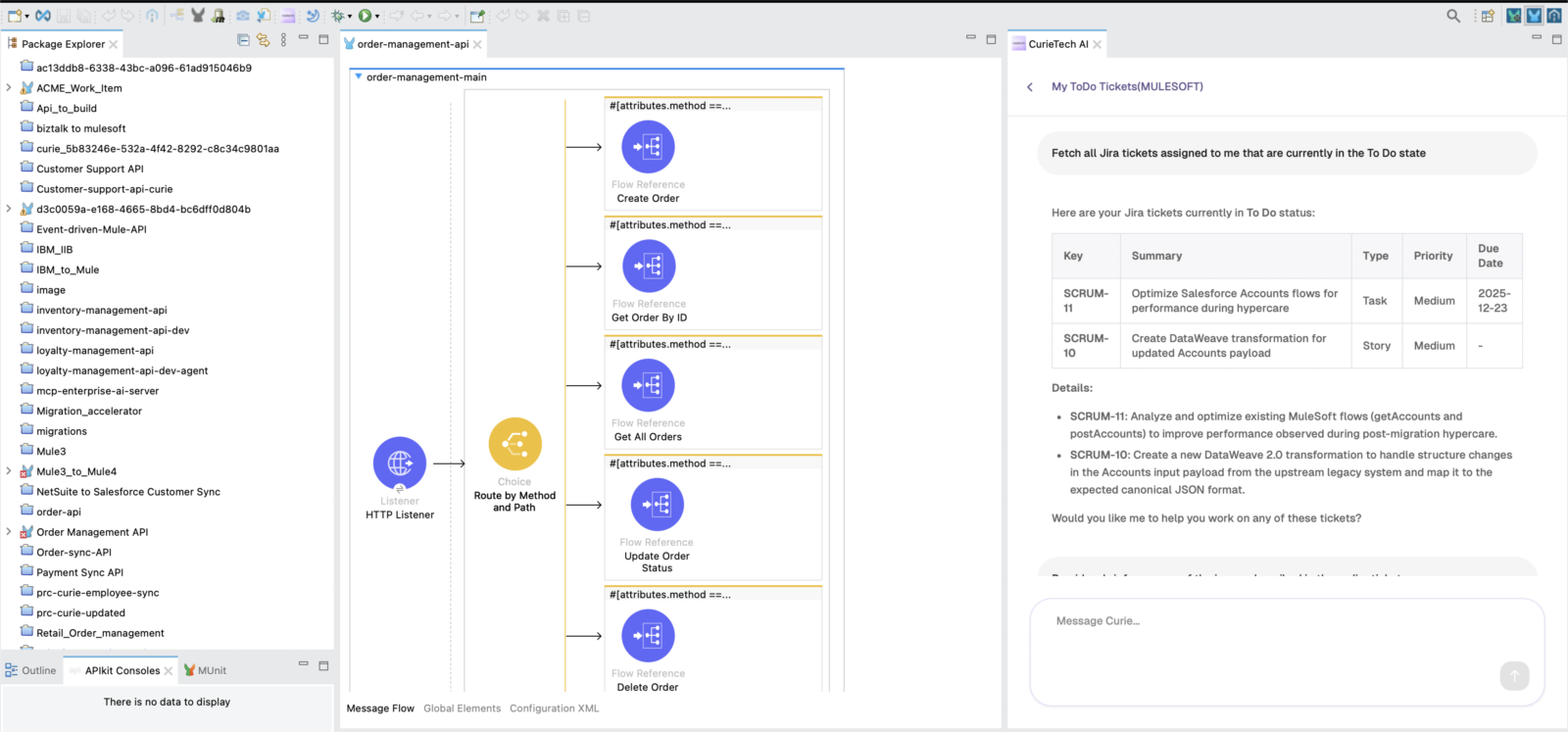
Jira is central to how MuleSoft teams plan and track work. User stories, defects, enhancements, and production issues all live there. Traditionally, developers read a ticket, interpret the description, switch to Studio, implement changes, and then return to Jira to update status and comments.
With CurieTech AI’s Jira integration, that entire loop happens in one place.
From inside the CurieTech AI chat interface, developers can fetch Jira tickets directly. Curie reads the ticket description, acceptance criteria, and context. Developers can then ask Curie to act on it.
For example, instead of manually translating requirements into implementation steps, a developer can simply ask Curie to pick up a Jira ticket and update the Mule flow accordingly. Curie understands the task, applies the necessary changes in the Mule project, and helps move the work forward.
Beyond this, Curie can assist with many everyday Jira activities MuleSoft developers deal with, such as reviewing tickets, understanding scope, clarifying requirements, and supporting task execution without leaving the IDE.
Confluence Integration That Makes Documentation Effortless
Documentation is another unavoidable part of MuleSoft development. Architecture details, API documentation, integration logic, and runbooks often live in Confluence. Keeping those documents updated is important, but it usually becomes a manual and time-consuming task.
CurieTech AI’s Confluence integration turns documentation into a natural extension of development rather than a separate chore.
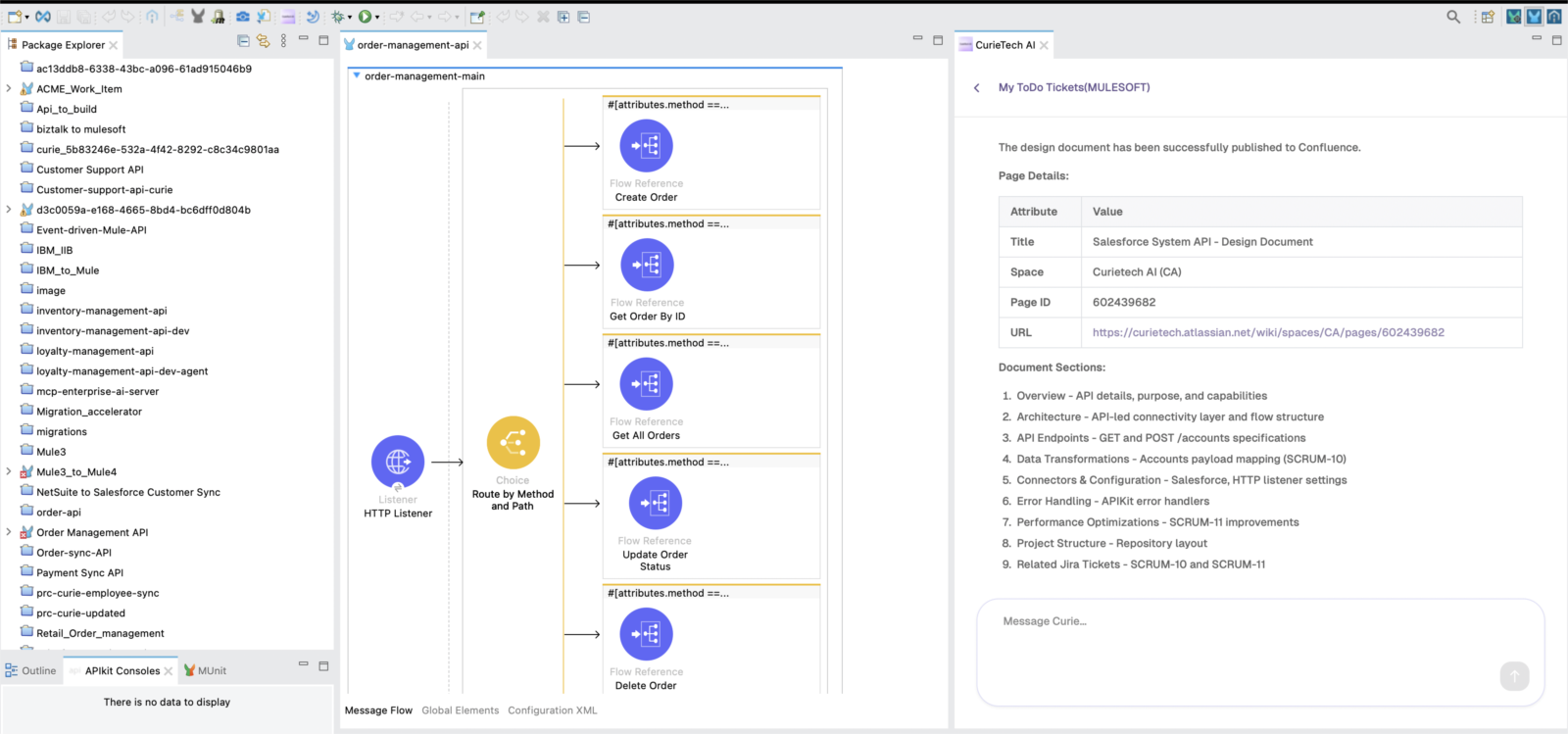
Developers can connect CurieTech AI to Confluence and interact with it directly through the chat interface. They can fetch information from existing pages, assign tasks to team members, and publish documentation automatically.
After building or updating an integration, a developer can ask Curie to generate and publish documentation directly to Confluence. Because Curie understands the Mule project context, the documentation stays accurate and relevant without manual copying or formatting.
Why This Is a True Differentiator for MuleSoft Developers
Most AI platforms focus on generic coding assistance. They generate snippets, answer questions, or autocomplete syntax, but they do not understand the realities of enterprise integration development. They lack awareness of APIs, governance, environments, deployment models, testing strategies, and the operational workflows MuleSoft developers work with every day.
CurieTech AI is different because it is built specifically for MuleSoft.
Curie brings together everything a MuleSoft developer interacts with across the lifecycle — Anypoint Exchange, Jira, Confluence, Anypoint Studio, VS Code, API Manager, and AI-powered integration testing — into a single, connected experience. Instead of acting as a passive assistant, Curie actively understands context and helps move work forward.
What truly sets Curie apart is end-to-end reliability. From reading requirements in Jira, to implementing flows, validating APIs, running integration tests, and publishing documentation, Curie supports the entire workflow with consistency and accuracy. Developers are not just writing code faster; they are delivering integrations that are reliable, tested, and production-ready.
CurieTech AI also reflects senior developer expertise. The guidance it provides is grounded in best practices around error handling, data transformations, API design, testing, and documentation. This helps teams maintain high standards even as velocity increases, reducing rework and preventing issues caused by missed context or incomplete understanding.
The result is a unified workflow where MuleSoft developers can move from requirement to delivery without constantly switching tools or losing context. CurieTech AI is not simply accelerating development — it is simplifying and strengthening the entire MuleSoft lifecycle, from planning and implementation to testing, documentation, and release.
Final Thoughts
With Jira and Confluence integrations, CurieTech AI continues to move beyond traditional AI tools by focusing on what MuleSoft developers actually need. This is not about adding more features. It’s about removing friction from real development workflows and bringing everything into one place.
For MuleSoft developers, this means fewer distractions, clearer execution, and more time spent building integrations that matter. From managing APIs in Exchange to working on Jira tickets, updating Confluence documentation, testing flows, and building integrations inside the IDE, CurieTech AI supports the entire development lifecycle.
If you’d like to experience this firsthand, you can sign up for CurieTech AI for free and explore how it fits into your MuleSoft workflow.
https://platform.curietech.ai/signup
Below is a short demo video that walks through how CurieTech AI works with Jira and Confluence directly from the chat interface.
CurieTech AI shows what’s possible when AI truly understands the ecosystem it serves. It doesn’t just help write code. It helps MuleSoft developers get work done, faster and with confidence.

.png)
.png)

